
Channel presets / Four outputs
Four marketplaces,
one source photo.
Generate each channel's canvas, supported format, size policy, and naming pattern from transparent starting points instead of maintaining four manual workflows.
Verify before export
Selected recipe
Shopify pack
Applied to each chosen source file in the batch.
- Canvas
- 2048 × 2048 px recommended
- Aspect
- 1:1 square
- Formats
- JPG · PNG · WebP
- File budget
- < 20 MB
Naming pattern
{sku}-{n}_shopify.webp- Shopify says 2048 × 2048 usually displays best for square product images.
- Shopify's published upper bounds are 5000 × 5000, 25 megapixels, and under 20 MB.
- The generated-file size is checked against the published 20 MB bound.
Sample source
1 local file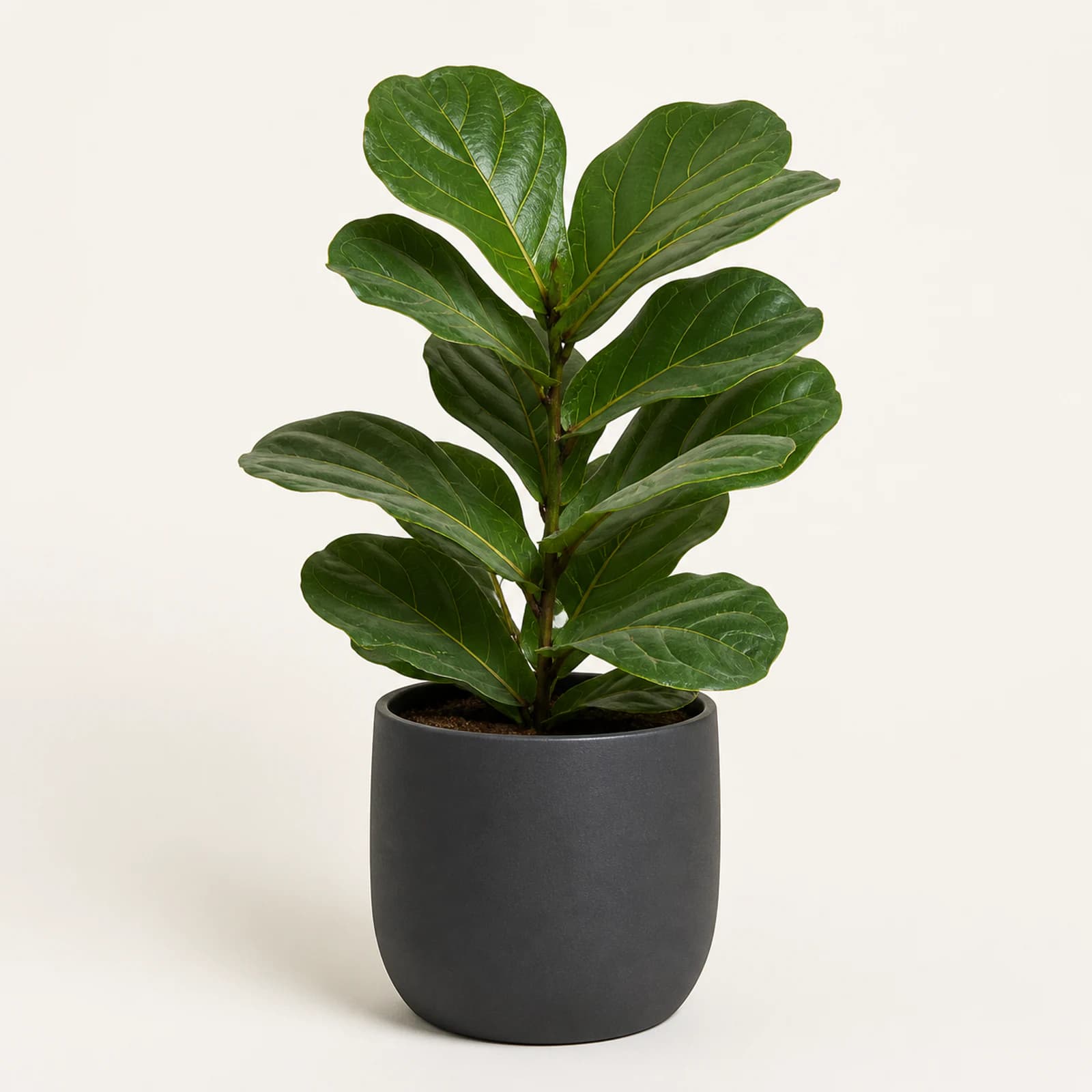
plant-source.webp · sample input included with the studio
Folder written
bloomcomp-pack-2026-07-28.zip
  ├ shopify/
  │  ├ plant-001-1_shopify.webp
  │  └ …
  └ bloomcomp-manifest.json
Manifest rows can tie outputs back to the source name, channel, and recipe used for the pack.
Use this starting pointThese presets reproduce the supplied design's workflow defaults. They are not a guarantee of current marketplace compliance. Confirm each channel's latest publishing requirements before listing.
Ready when you are
One source set. A deliberate pack for every channel.
Select the channel outputs you need, tune the shared quality and recipe controls, and review each preset's enforced notes before the run.